Shopify
AI product photography for Shopify stores.
Your Shopify store does not need more random images. It needs a visual system for PDPs, collections, launches, ads, and email campaigns — built from one controlled product source.
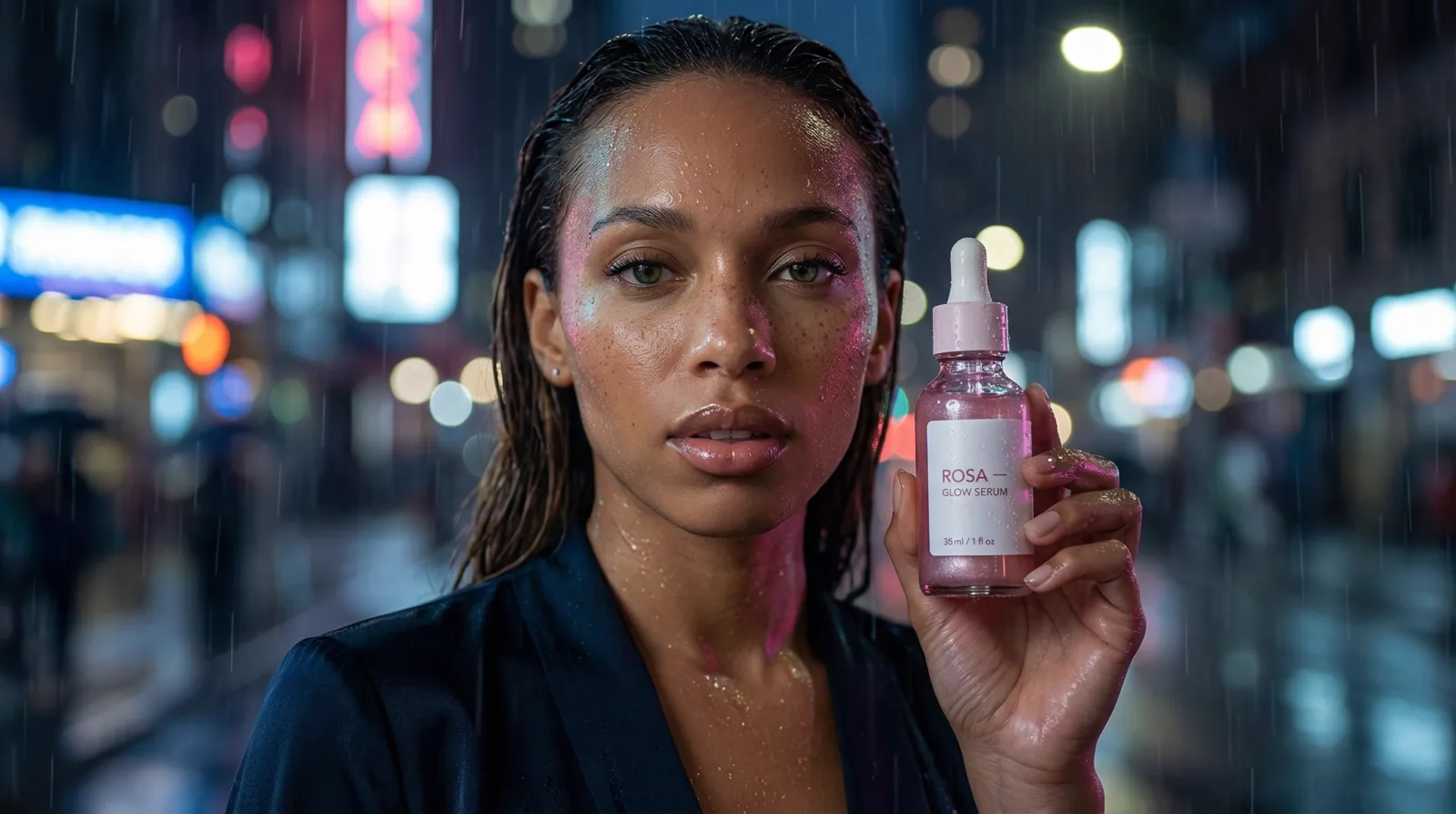
What Shopify brands actually need
Shopify brands rarely struggle to make a single nice photo. They struggle to keep an entire storefront consistent: PDP galleries, collection tiles, launch heroes, ad variants, and email visuals all pulling from the same product, on different cadences.
Anset treats this as one workflow rather than a pile of separate tasks. A concrete path looks like: one product reference, then a PDP gallery, then a collection image, then a launch hero, then a Meta ad variant, then an email campaign visual, then a Pre-Flight ranking before paid traffic.
Next step
Turn one product reference into a full Shopify visual system.
Join the Shopify visual workflow waitlistWhy Shopify brands need more visual volume
Shopify storefronts are content-heavy by default. Product pages, collection grids, bundles, launch pages, and paid social all require different visual formats and storytelling depth.
Traditional production is often too slow for this cadence, especially for smaller teams. AI can solve the volume issue only when product consistency is protected.
Product pages, collections, landing pages, and ads
Each surface has a different visual job. PDPs need clarity. Collections need coherence. Landing pages need narrative hierarchy. Ads need fast hooks. Anset supports these jobs from one controlled product source.
Create multiple visual directions from one product
Shopify teams can create clean packshots, lifestyle contexts, promotional concept sets, and paid social variants from the same reference input. This reduces rework and keeps campaign systems cohesive.
Email campaign visuals
Retention is where Shopify margin lives, and email needs fresh visuals as often as ads do. Teams can spin up campaign and promo imagery that matches the store and the active launch without re-shooting for the inbox.
Seasonal campaign assets
Shopify calendars are dense with drops, sales windows, and gifting moments. Anset lets teams prepare seasonal direction sets early, then reuse the strongest setups across PDP, ads, and email as the season ramps.
Why this is faster than planning a shoot for every campaign
Booking a studio day for each promotion does not scale to a Shopify content calendar. Generating directions from one controlled product source removes the logistics overhead for most assets, while still letting teams reserve real shoots for flagship moments.
Keep the product and brand style consistent
A frequent Shopify issue is style drift between channels. Anset helps brands maintain visual identity while scaling output. Teams can keep product details stable and still explore fresh campaign directions.
How Pre-Flight helps before paid ads
Before launching paid traffic, teams can compare creative directions and prioritize the stronger ones. This improves decision quality without making unrealistic performance promises.
Comparison
Typical Shopify workflow vs Anset workflow
The difference is how quickly teams move from one product to full campaign coverage.
Typical workflow
- Manual asset creation per channel and campaign
- Repeated production costs for minor concept changes
- Weak consistency between PDP and ad creative
- Late-stage creative decision stress
With Anset
- One product input powering multiple channel assets
- Faster concept-to-publish cycle
- Brand-aware consistency across Shopify surfaces
- Pre-launch creative comparison before media spend
Why Anset
Why Anset
- Built for multi-surface e-commerce workflows
- Supports both catalog clarity and campaign storytelling
- Reduces dependence on repeated shoot cycles
- Pairs generation with pre-launch comparison discipline
Use cases
Use cases
- Shopify PDP galleries
- Collection and category imagery
- Launch and seasonal landing pages
- Meta and TikTok ads linked to store campaigns
- Email and promotional visual kits
FAQ
Questions teams ask before moving forward
Does this replace all Shopify product photoshoots?
No. It reduces the need to shoot every concept. Teams still decide when flagship or compliance-sensitive assets require real capture.
Can we keep product details accurate?
That is a core design goal. Anset starts from product references and structured controls to reduce unwanted drift.
What Shopify teams benefit most?
Brands that run frequent promotions, need high creative volume, and want better consistency between storefront and ad channels.
How does Pre-Flight help Shopify growth teams?
It helps compare visual directions before paid launch so stronger candidates move forward first.
What is the next step?
Join the waitlist and map your first workflow from product reference to campaign-ready Shopify asset set.
Get started
Join the Shopify visual workflow waitlist.
Map one product reference into PDP galleries, collection tiles, launch heroes, ad variants, and email visuals — one consistent system instead of repeated studio shoots.
Join the Shopify visual workflow waitlistContinue your workflow